

Password Generator
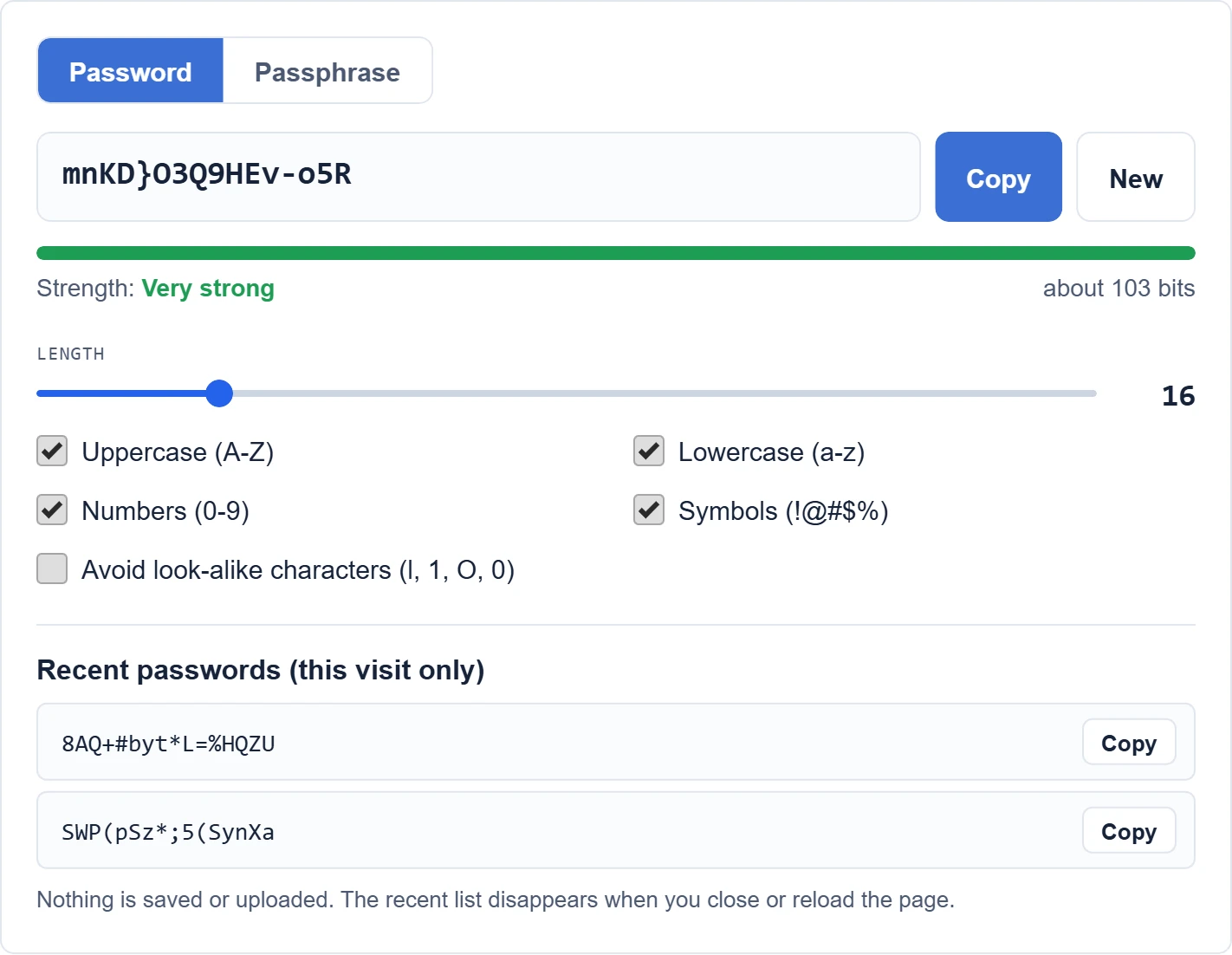
Create a strong, random password or an easy-to-type passphrase in one click. Passwords are generated in your browser with secure randomness and are never sent to our server.
Recent passwords (this visit only)
Nothing is saved or uploaded. The recent list disappears when you close or reload the page.
How do you use the Password Generator?
- Choose Password for a random string or Passphrase for a set of random words.
- Set the length. For most accounts, use at least 16 characters or 7 words.
- Pick the character types the website allows. If a site rejects symbols, turn them off and add length instead.
- Click Copy and paste the password into the website and your password manager.
- Click New for a different password. Every result is new and random.
What makes a password strong?
Length matters most. Each extra character multiplies the number of guesses an attacker needs. The U.S. National Institute of Standards and Technology (NIST) Digital Identity Guidelines ask services to require at least 15 characters when a password is the only way to sign in, and to allow passwords of at least 64 characters.
- Make it long: 16 or more random characters, or a passphrase of 7 or more random words.
- Make it random: names, birthdays and keyboard patterns such as “qwerty123” are guessed first.
- Make it unique: use a different password for every account, so one leak does not unlock the others.
- Turn on two-factor authentication or use a passkey where the site offers one.
Password or passphrase: which should you use?
| Type | Example | Best for |
|---|---|---|
| Random password | v7#Qm2!xLp9@Tz4e | Accounts saved in a password manager |
| Passphrase | Maple-River-Copper-Tiger-Window-Falcon-Lemon7 | Passwords you must type or remember, such as your computer login or password manager |
The strength meter shows an estimate in bits of entropy. Each extra bit doubles the number of possible passwords. Aim for at least 60 bits for everyday accounts and 80 bits or more for email, banking and your password manager.
Is it safe to use an online password generator?
This generator runs entirely in your browser. It uses the Web Crypto API (crypto.getRandomValues), which is designed for security uses, and it does not send or store the passwords it creates. For extra peace of mind, you can load the page, disconnect from the internet and generate passwords offline.
Frequently asked questions
How long should a password be?
Use at least 16 random characters for important accounts. If a site limits the length, use the maximum it allows and include all character types.
Should I change my passwords regularly?
NIST guidance says services should not force regular password changes. Change a password when there is a sign it was exposed, such as a data breach alert.
Where should I keep my passwords?
Use a password manager, such as the one built into your browser or phone, or a dedicated app. Protect it with a long passphrase and two-factor authentication.
Is the Password Generator free?
Yes. It is free, works on phones and computers and does not need an account.
More privacy guides and free tools
Read our full guide on how to create a strong password, including passphrases, password managers and passkeys. Learn how to check an app’s privacy before installing it and review your AI chatbot privacy settings. Never paste passwords into an AI chat. For more tools, see all our free online tools, including the QR Code Generator, which can create a Wi-Fi QR code from a strong network password.