

Image Toolkit
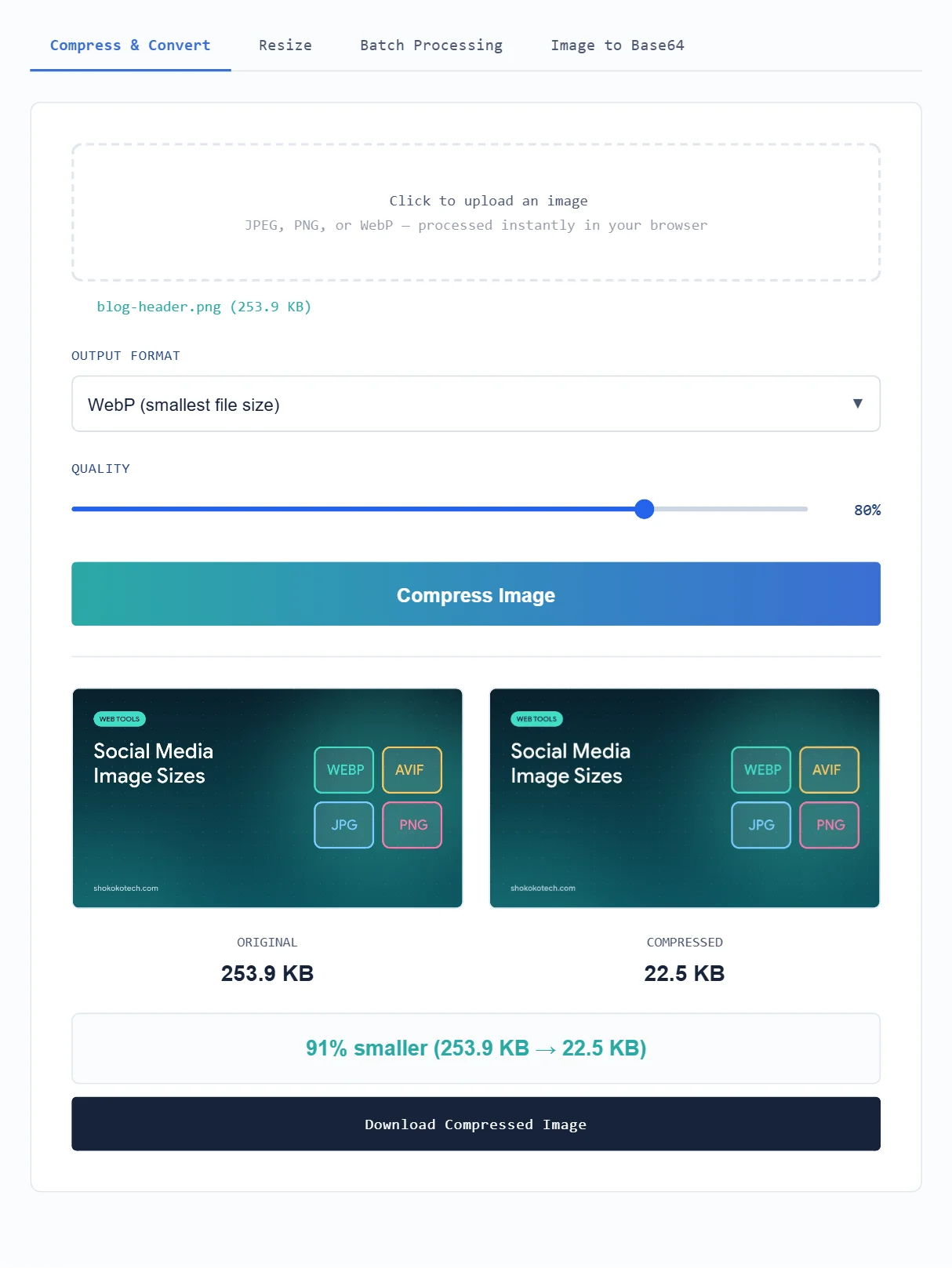
Compress, convert and resize images for websites and social media, process many images at once or turn an image into Base64. Free, no watermark, and everything runs in your browser, so your images never leave your device.
How do you use the Image Toolkit?
| Tab | What it does | How to use it |
|---|---|---|
| Compress & Convert | Makes an image smaller and changes its format | Upload an image, choose JPEG, WebP or PNG, set the quality and click Compress Image. |
| Resize | Changes the width and height | Pick a social media preset or type a custom size, choose Fill & crop or Fit within and click Resize Image. |
| Batch Processing | Compresses or converts many images at once | Select several images, choose the format and quality, click Process All Images and download a ZIP file. |
| Image to Base64 | Turns an image into text you can paste into code | Upload an image and copy the Base64 string, HTML tag or CSS snippet. |
Why compress and resize images before publishing?
Large images are one of the most common reasons web pages load slowly, and slow pages lose visitors. Compressing a photo before you upload it can often cut its file size by more than half with little visible difference, especially when you convert it to WebP. Resizing to the size a platform actually displays, such as 1200×630 for a blog featured image, also avoids sending pixels nobody sees.
Need the right dimensions? See our social media image sizes guide for Instagram, Facebook, YouTube and more.
For a step-by-step method, read our guide on how to compress images without losing quality.
Which image format should you choose?
| Format | Best for | Transparency |
|---|---|---|
| JPEG | Photos, when you need the widest compatibility | No |
| WebP | Websites and blogs: usually the smallest file at similar quality | Yes |
| PNG | Logos, screenshots and graphics with sharp edges or text | Yes |
Compare all the options, including AVIF, in WebP vs AVIF vs JPEG vs PNG.
What quality setting should you use?
- 75 to 85% is a good balance for most photos on websites and social media.
- 60 to 70% gives much smaller files for thumbnails and previews. Check faces and text for blur.
- 90% or more is for images you will edit again or print.
- PNG ignores the quality slider because it is lossless. To shrink a PNG photo, convert it to WebP or JPEG.
Tips for better results
- Resize first, then compress: a 4000-pixel photo shown 1200 pixels wide wastes most of its file size.
- Keep your original: compression is permanent, so save the full-quality file separately.
- Use Fit within for logos: Fill & crop can cut off edges, while Fit within keeps the whole image.
- Prepare AI images for the web: AI image generators often export large PNG files. Convert them to WebP here; see our list of the best AI image generators.
Frequently asked questions
Are my images uploaded to a server?
No. Compression, resizing, batch processing and Base64 conversion all run in your browser with JavaScript. Your images stay on your device.
Is the Image Toolkit free?
Yes. It is free, has no watermark and does not need an account.
Why did my compressed file get bigger?
This happens when the original is already well compressed or when you convert a small graphic to a different format. Try a lower quality, or switch to WebP.
Does resizing keep PNG transparency?
Yes. PNG images stay PNG with their transparent areas. Other formats are saved as JPEG with a white background.
What is Base64 image encoding used for?
Base64 turns an image into text that can be embedded directly in HTML, CSS or email templates. It is useful for small icons but makes files about a third larger, so avoid it for big photos.
Need to turn a PDF into images, or photos into a PDF? Use our free PDF to JPG and JPG to PDF converter.
More free tools
Add your logo to a QR code, check your connection with the Internet Speed Test, or see all our free online tools.