For most websites in 2026, the short answer is WebP for photos and graphics, AVIF when you want the smallest possible files, PNG for lossless images you will edit again, and JPEG when you need to share a photo with anyone, anywhere. This WebP vs AVIF vs JPEG vs PNG guide explains how each format works, which browsers support it and which one to choose for each job.
WebP vs AVIF vs JPEG vs PNG: what is the quick answer?
| Format | Best for | Compression | Transparency | Main limit |
|---|---|---|---|---|
| JPEG | Sharing photos anywhere | Lossy | No | Larger files, artifacts on text |
| PNG | Screenshots, logos, editing | Lossless | Yes | Very large for photos |
| WebP | Website photos and graphics | Lossy or lossless | Yes | Some older apps cannot open it |
| AVIF | Smallest web images | Lossy or lossless | Yes | Slower to encode, newer support |
When should you still use JPEG?
JPEG is the universal photo format. Every phone, computer, email client and social network can open it, which makes it the safest choice when you send a photo to someone else or upload it somewhere you do not control.
Its weakness is efficiency. JPEG files are bigger than WebP or AVIF at the same visual quality, and JPEG compression blurs sharp edges, which is why screenshots with text look fuzzy when saved as JPEG.
When is PNG the right choice?
PNG is lossless, so the image stays exactly the same every time you save it. That makes it ideal for screenshots, interface graphics, logos with transparency and any file you plan to keep editing.
The trade-off is size. A photo saved as PNG can be several times larger than the same photo as JPEG or WebP, so PNG is rarely the right format for photos on a website.
Why is WebP the best default for websites?
WebP supports both lossy and lossless compression, transparency and animation in one format. According to Google’s WebP documentation, lossless WebP images are 26% smaller than PNGs, and lossy WebP images are 25 to 34% smaller than comparable JPEGs at the same quality.
Support is no longer a concern on the web: Google lists Chrome, Safari, Firefox, Edge and Opera as supporting WebP natively, and WordPress accepts WebP uploads. The main limit is outside the browser, where some older desktop apps and editors still cannot open WebP files.
Is AVIF better than WebP?
AVIF often produces even smaller files than WebP at the same quality, especially for photos with smooth gradients. It also supports transparency, high dynamic range and wide color.
Browser support has caught up. According to Can I use, AVIF works in Chrome from version 85, Firefox from version 93, Safari from version 16.4 and Edge from version 121, which covers about 96% of users worldwide. The downsides are slower encoding, which matters if you convert many images on a server, and patchy support in older image editors.
A practical approach is to serve AVIF or WebP to browsers and keep a JPEG or PNG fallback for everything else. Many image plugins and content delivery networks do this automatically.
Which image format should you use for each job?
- Blog and article photos: WebP, or AVIF if your setup supports it.
- Product photos in an online store: WebP with a JPEG fallback.
- Screenshots and tutorials: PNG or lossless WebP, so text stays sharp.
- Logos and icons: SVG when you have a vector file, otherwise PNG or lossless WebP.
- Photos you email or send to clients: JPEG, because everyone can open it.
- Images you will edit again: keep a PNG or the original file, and export a WebP copy for the web.
How do you convert images to WebP or another format?
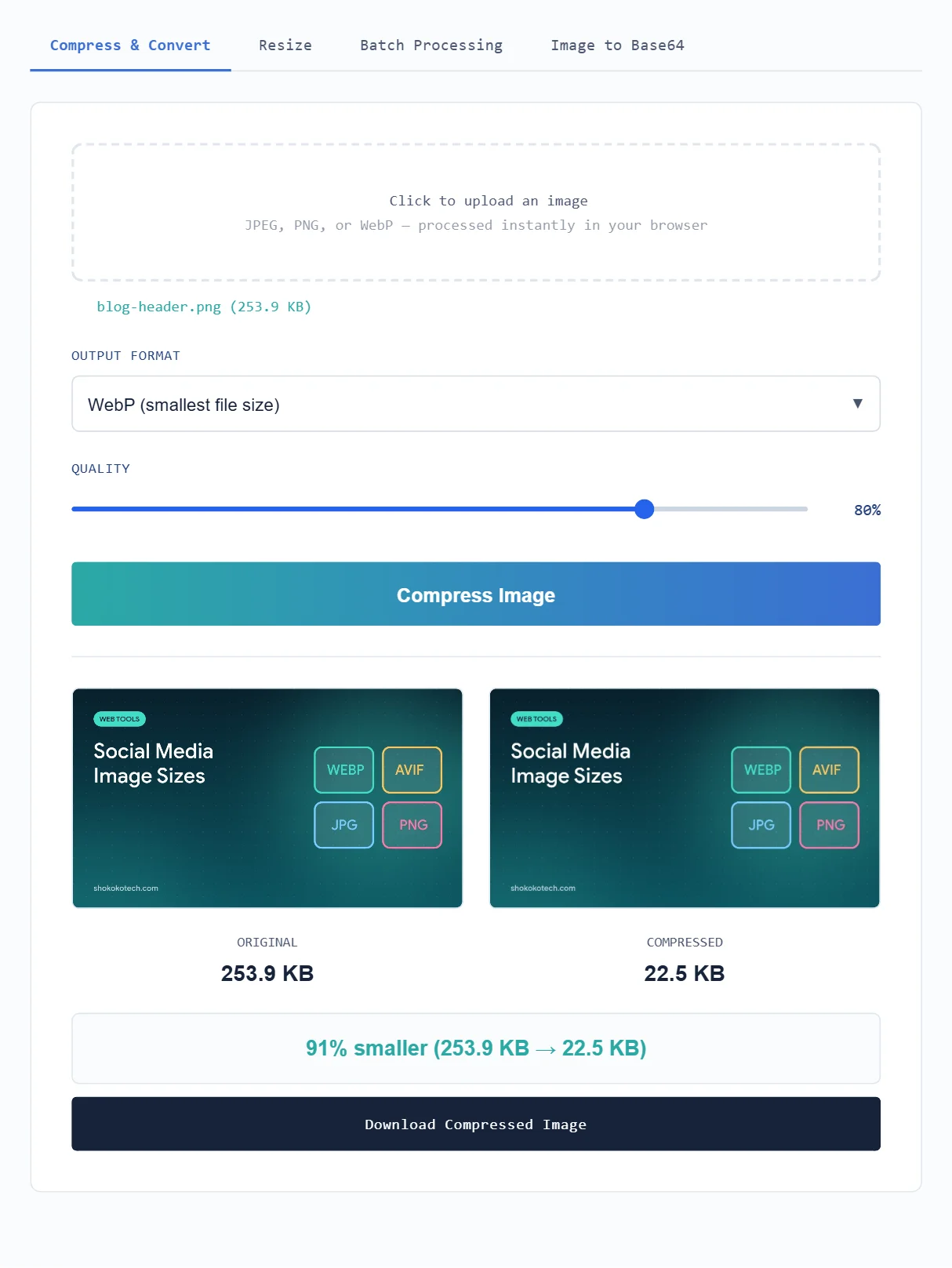
You can convert images in most editors through an export or “save as” option. For a quick job, our free image toolkit converts JPEG, PNG and WebP files in your browser and lets you set the quality before you download. For step-by-step settings, see our guide on how to compress images without losing quality.
On WordPress, image optimization plugins can create WebP or AVIF copies of your media library and serve them automatically, so you do not have to convert each file by hand.
Convert images to WebP for free with our Image Toolkit, or browse all our free online tools.
Have a PDF instead of an image? Convert its pages to JPG or PNG with our free PDF to JPG converter, or read how to convert PDF to JPG.
Frequently asked questions
Is WebP better than PNG?
For websites, usually yes. Lossless WebP keeps the same quality as PNG in a smaller file, but PNG is still more widely supported by desktop editing software.
Does Safari support AVIF?
Yes. Can I use lists full AVIF support from Safari 16.4, with partial support in Safari 16.1 to 16.3.
Should I convert all my old JPEGs to WebP?
Converting the images on your website is worth it for speed. Keep the original JPEG files as a backup, because every lossy conversion removes some detail.
Which format should you choose today?
Use WebP as your default for website images, add AVIF when your tools support it, keep PNG for lossless work and use JPEG for sharing. That combination gives you small, fast pages without giving up compatibility.
Sources
This article is based on the official documentation and reporting listed in the sources above, checked on October 17, 2026. Features and prices change, so confirm details on the official pages before you buy. ShokokoTech does not accept payment for coverage. Read our editorial policy.